Widget and wide screens
Peek at your Lock Screen.
See if they’ve checked in.
Put Daypair on your Lock Screen or Home Screen and see if you’re both on track, without opening a thing.
Free · iPhone and iPad · 18+
8:10 AM: Today is still open for both of you. You · 0 of 3 checked in.
It only says whether you’re on track. Never your numbers, never what you ate.
Four sizes
Big, small,
or tucked under the clock.
Small
Home Screen
Medium
Home Screen
Rectangular
Lock Screen
Inline
Lock Screen, above the time
Nothing nosy
Fine to leave out,
even at the office.
Your totals and targets stay in the app. The widget shows a shared status, so put it on a screen you’re comfortable having others see.
- Never your numbers
- Never your targets
- Never the names of your goals

Siri and Shortcuts
Hands full?
There’s a shortcut for that.
Two shortcuts open Daypair right where you need it: checking in, or sending your person a little support.
- “Check in on Daypair”
- “Send support on Daypair”
Room for both of you
Your day and theirs,
side by side.
On iPad or an unfolded iPhone Duo, there’s room for both of you at once. Turn it tall and it becomes one long, comfy Today.
Folded, it’s a phone. Unfold it and there’s room for you both.
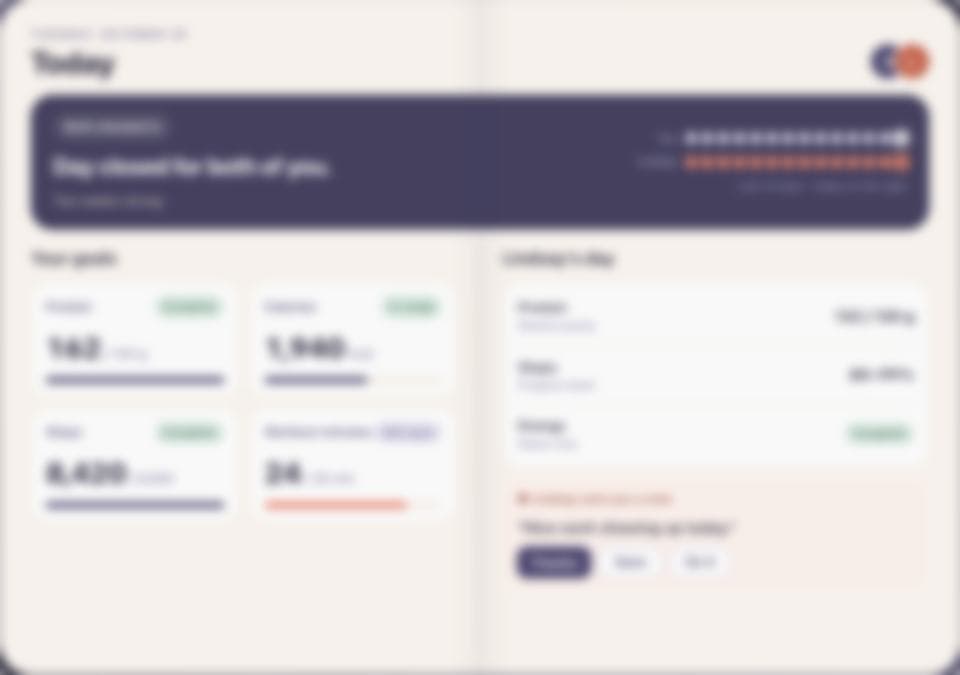

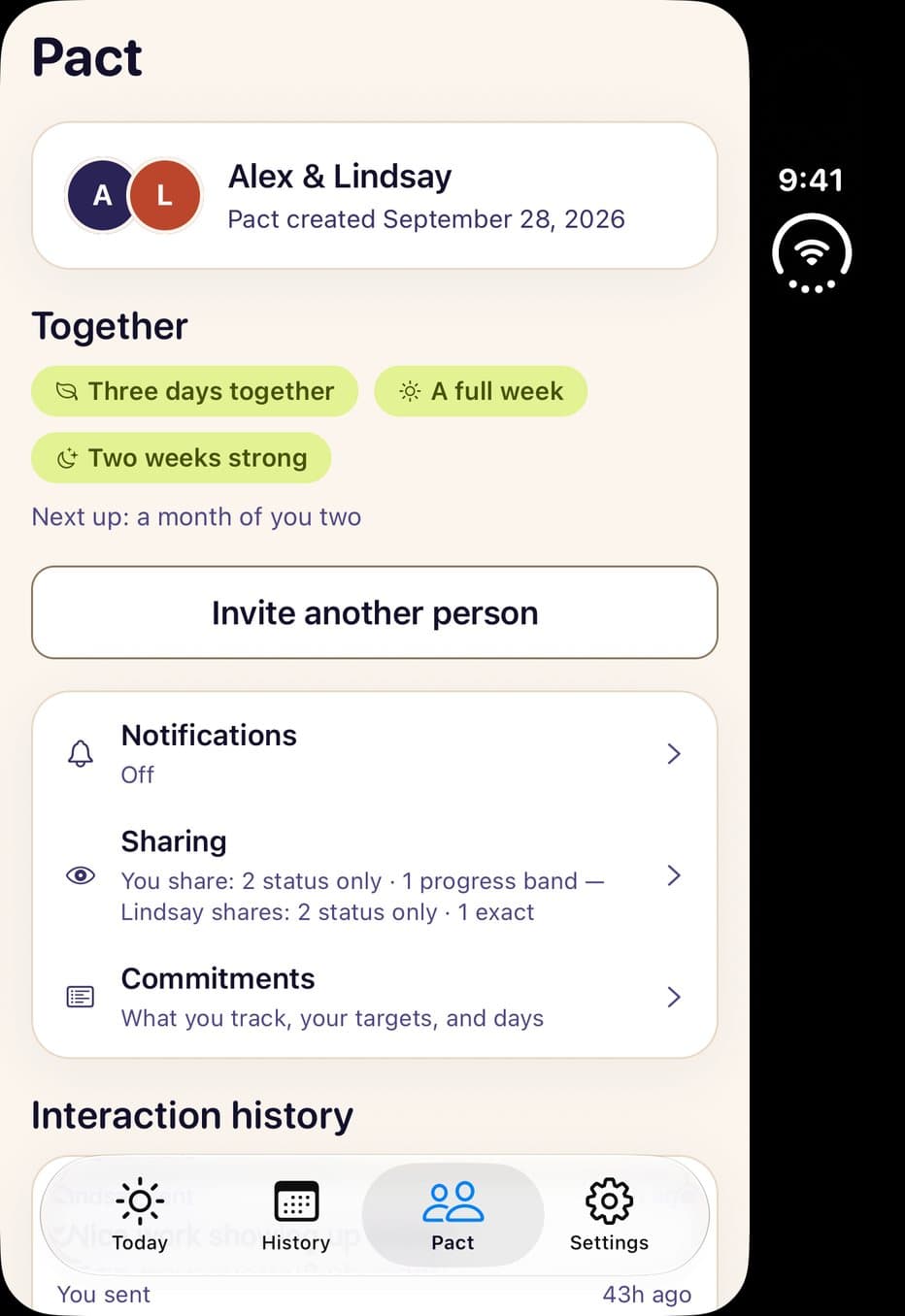
History, Pact and the cover display are captures of the app; sample people and data.
Add it in seconds
How to add the widget
Touch and hold an empty spot on your Home Screen.
Tap Edit, then Add Widget.
Find Daypair and pick a size.
For the Lock Screen, touch and hold it, tap Customize, then add Daypair under the time.
Things people ask us
Something missing? A real person reads every message.
When can I get it?
It’s available in the current release of Daypair. Update from the App Store, then add the widget to your Home Screen or Lock Screen.
Does it show my numbers?
Never. Only whether you’re both on track, and how many of your own goals are checked in.
How often does it update?
Every time you open Daypair. In between, iOS decides how often widgets refresh.
Get it now.
Keep a little encouragement close.
Free to download. Start your first day together today.
Free · iPhone and iPad · 18+